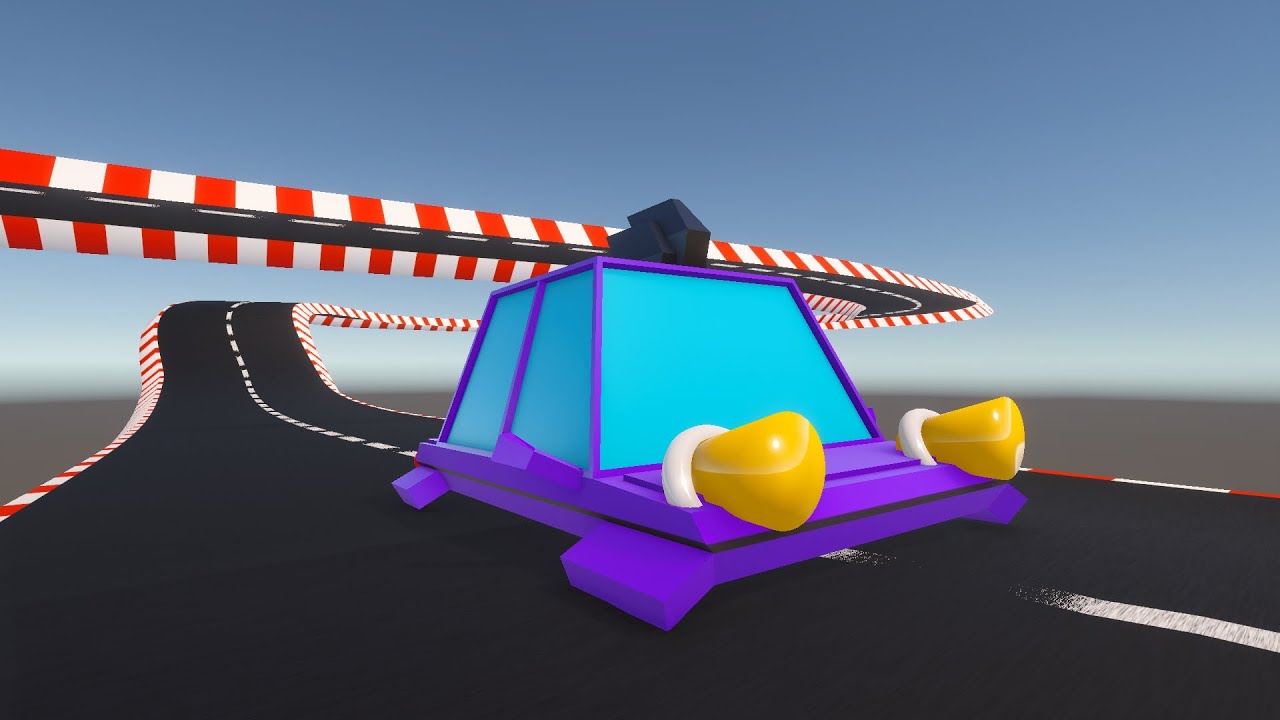
Free Asset
Quick Racing Circuits
Quick Racing Circuits
Spline Shader
Generate full, race-ready circuits in under 30 seconds. No UV unwrapping required.
Generate full, race-ready circuits in under 30 seconds. No UV unwrapping required.
Draw a spline, apply the material, and you have a track. Optimized for rapid prototyping.
Procedural textures (Kerbs, Lines, Asphalt) automatically follow the curvature of your Unity Spline.
Adjust lane width, line counts, and curb colors in real-time without regenerating geometry.
Ensure you have the "Splines" package installed from the Unity Package Manager. Create a new Spline object in your scene.
Add a 'Spline Extrude' component. Drag the QuickRoads material onto the mesh renderer. Tweak 'Tiling' to fit your track length.